Digital menu for restaurants
Dishes, categories, descriptions, prices and photographs. Customers access it via a link or a QR code.
HospitalitySelectID Delta is an online platform for creating and updating digital menus, product catalogues, service pages and professional profiles.
Update prices, photos and text from your mobile, tablet or computer. Changes are saved automatically and You choose when to publish them.
Initial free trial with Starter’s basic features. No automatic renewal.
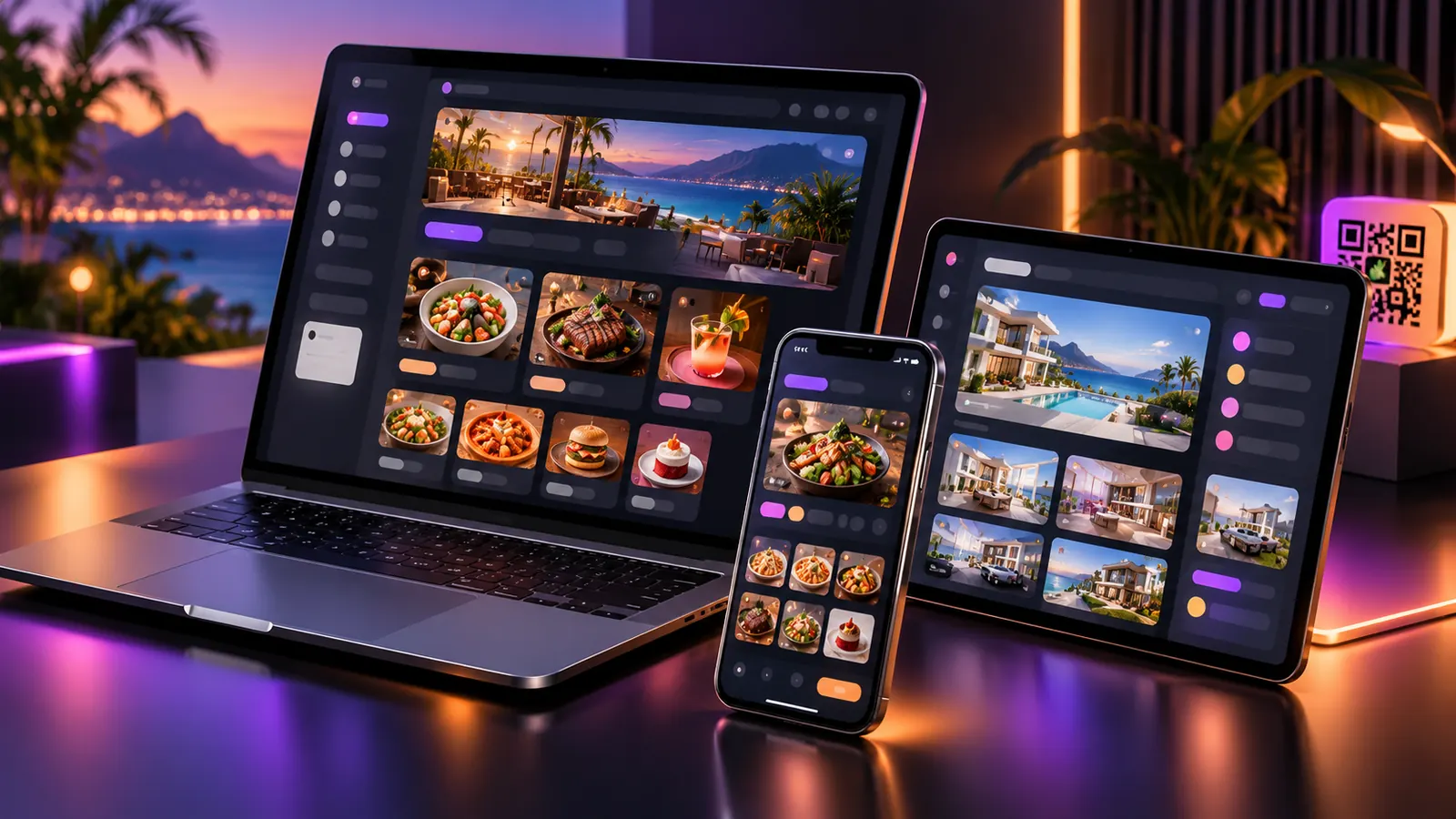
Choose the format that suits your activity. You can then update it via your account.
Dishes, categories, descriptions, prices and photographs. Customers access it via a link or a QR code.
HospitalityProducts, prices, images, categories and featured items in an online catalogue.
RetailShowcase the treatments, services, specialities and prices offered by your business.
Beauty · Health · WorkshopsContact details, business information, links and a downloadable vCard.
ProfessionalsShare your professional details and reuse the same property QR code by changing the destination.
Estate agentsOrganise courses, activities, services and content into sections so that they can be displayed online.
Education · LeisureYou don’t need any programming knowledge to edit your business’s content.
Register your business and select your sector. Get started with the basic features of the 15-day free trial.
Upload photos, add products and services, edit prices and organise categories. Your work is saved as a draft.
When you’re happy with it, click ‘Publish’. Your customers can access the updated version via the link or QR code.
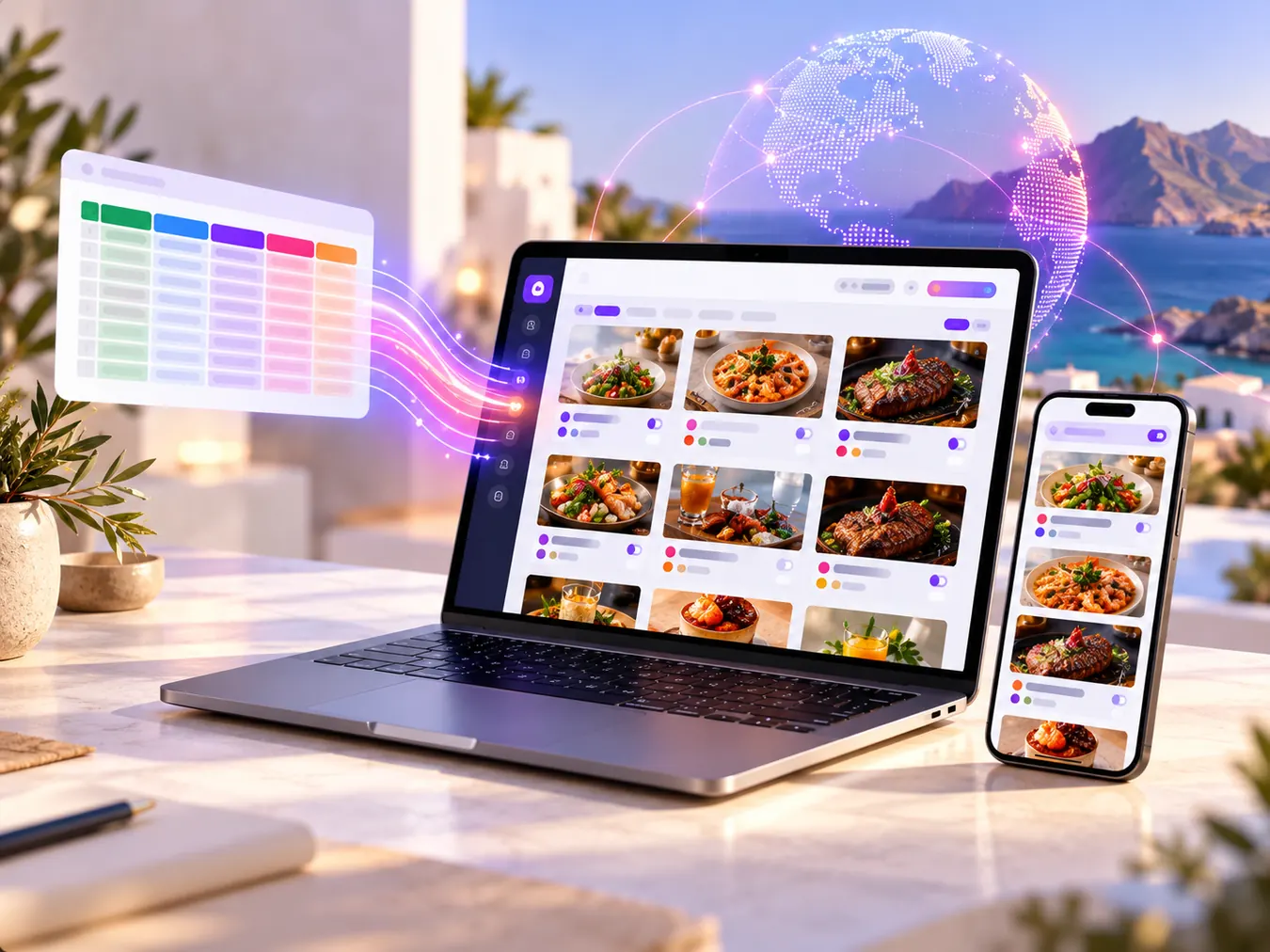
You don’t have to retype each product. Import CSV, XLS, XLSX or XML files, map the columns and check the preview.
SelectID Delta forms part of the Select Seven ecosystem, alongside SevenGest. They are complementary solutions: each one meets different needs of businesses and professionals.
Technology, equipment, web design, brand identity and technical support for businesses and professionals.
Get to know Select SevenCreate and update digital menus, catalogues, service pages and professional profiles. Publish and share via a link or QR code.
Explore DeltaAnother product from the Select Seven ecosystem, designed for business management. Visit their website to find out about its features and availability.
Find out about SevenGestFind out about each product and choose the tools that suit your business.
The features and limits available depend on the plan you have chosen.
Work on a draft that is automatically saved. The public page changes when you click ‘Publish’.
Choose from 12 responsive designs, change colours and images, and preview how they look on different screen sizes.
Upload images from your mobile or computer. Delta optimises them in WebP format so they can be reused.
Management interface in nine languages. Translation of business content using DeepL and a language selector on the public website.
Share the page via a link or QR code. The Professional plan and above support custom domains once they have been set up and verified.
Higher-tier plans allow you to manage different businesses, assign staff and manage permissions.
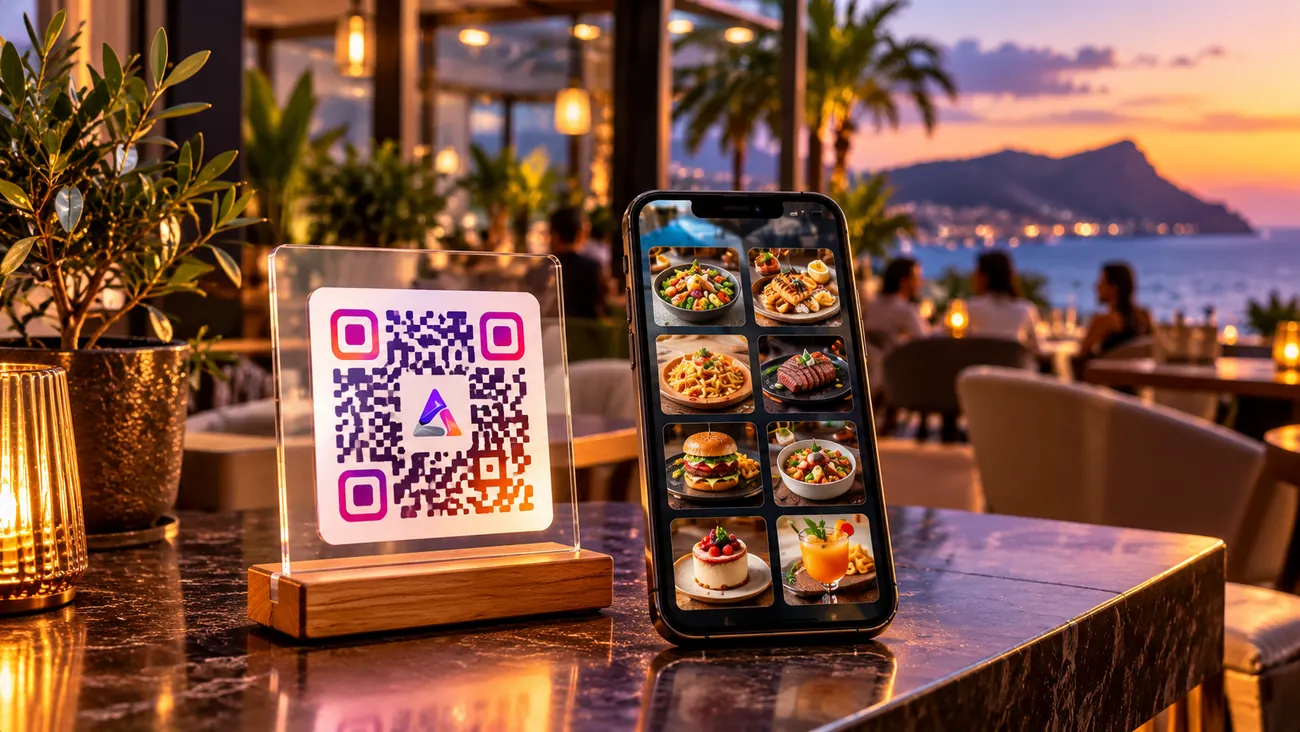
Print or share a QR code that links to your public page. You can change your prices and photos later without having to create a different QR code for each update.
Services, contact details and links on a single page that you can update.
Share your profile with clients: name, company, specialism, telephone number, links and services. They can also download your contact details in vCard format.
If you change your phone number or service provider, you can update your details via Delta and keep the link you’ve shared.
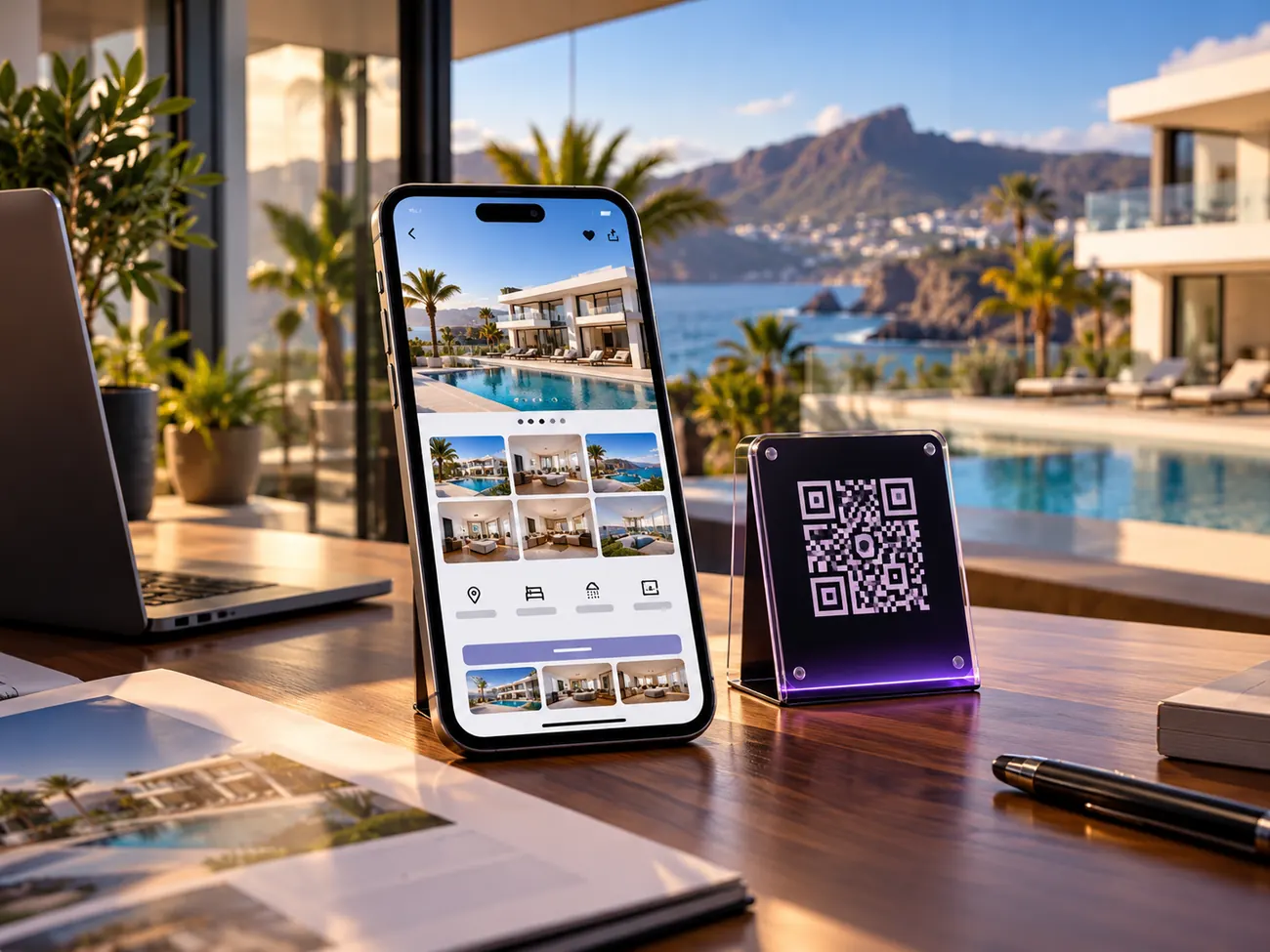
Smart Links allow you to link a permanent QR code to a property and subsequently change its destination via Delta, without having to reprint the sign.
If you run a restaurant, a shop, an office or a business in the Canary Islands, you can update the information your customers see without having to print new menus or catalogues. The platform can be used online from any of the islands.
Use it in Tenerife, Gran Canaria, Lanzarote, Fuerteventura, La Palma, La Gomera, El Hierro and La Graciosa. Each business manages its own information, public link and QR code.
New accounts come with a 15-day free trial. Once this has ended, you can sign up for the plan that suits you. The free trial does not renew automatically.
For a business.
1 business
To give a business a stronger identity.
1 business + advanced options
For companies with multiple sites or brands.
Up to 10 businesses
For operations with multiple locations.
Unlimited business opportunities
The current monthly and annual rates are managed via the platform. The amounts are not duplicated here to avoid displaying out-of-date prices.
Are you an agency? There is a separate Agency Partner programme, subject to application and a commercial agreement.
View the programme →It is an online platform for creating and managing digital business cards, catalogues, service pages and professional profiles. You can share the content via links and QR codes.
Text, prices, images, products, services, categories, colours and theme options available on your plan.
Yes. The panel is optimised for mobile phones, tablets and computers.
No. Your work is saved as a draft and you choose when to publish it.
No, as long as the QR code still links to the same public page. Any changes published will be visible on that same page.
Yes. The importer supports CSV, XLS, XLSX and XML files, with a preview function and column mapping.
Delta includes a native interface in nine languages and allows business content to be translated using DeepL. Public translations must be set up and complete.
They form part of the same business ecosystem, but each product has its own function. There is no mention of automatic synchronisation of users, content or billing between them.
The Delta app features a multilingual interface and translation of business content. The translation of the corporate website is configured separately in WordPress.
The basic features are the same as those in the Starter plan. There is no automatic renewal. When this period ends, you must choose a commercial plan if you wish to continue.
From Professional, following the domain configuration and verification process.
Create an account, add your content and share your digital menu, catalogue or profile. Update it whenever you need to.
 Español Español
  English (UK)
 Français
 Deutsch
 Italiano
 Русский
 Polski
 Português
 简体中文
简体中文